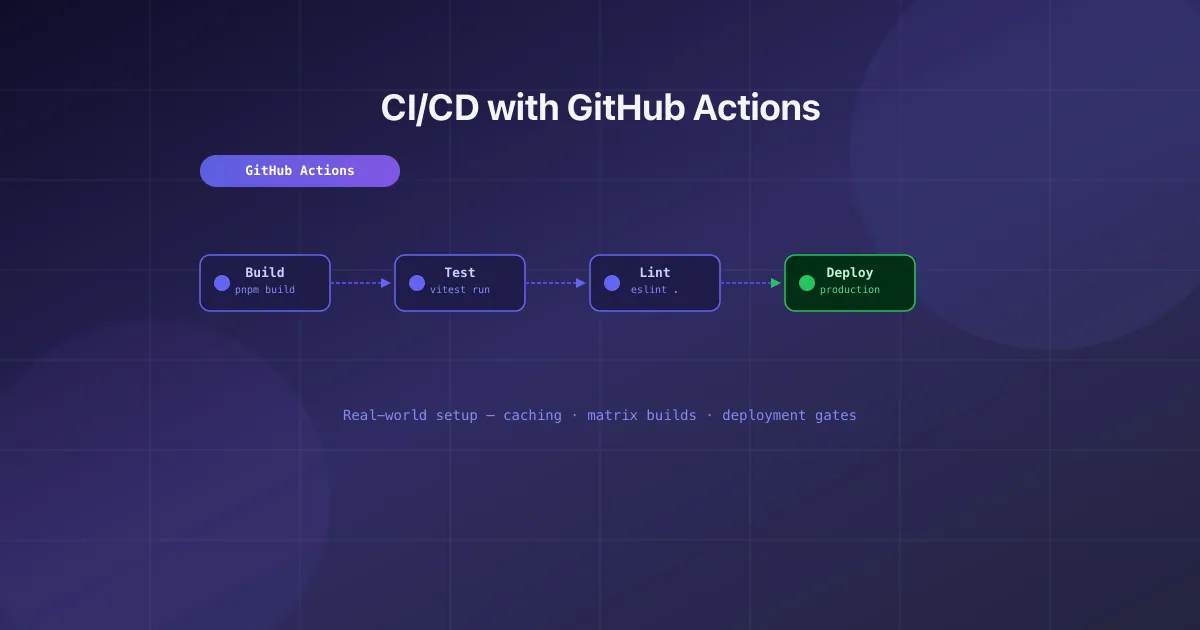
CI/CD with GitHub Actions: A Real-World Setup
- devops
- github-actions
- ci-cd
- tooling
Every project needs CI/CD. GitHub Actions is the default choice for most teams — it’s fast, well-integrated, and the free tier covers most side projects. But most tutorials show you the basics and leave you to figure out the production setup yourself.
The workflow structure I use
I split CI into two workflows: a CI workflow (on every PR) and a Deploy workflow (on merge to main).
# .github/workflows/ci.yml
name: CI

on:
    pull_request:
    push:
        branches: [main]

concurrency:
    group: ci-${{ github.ref }}
    cancel-in-progress: true
The concurrency block is essential — it cancels stale runs when you push new commits to the same branch. Without it, you waste runner minutes on outdated code.
Caching dependencies
The single biggest speedup in any Node.js CI pipeline:
- uses: actions/setup-node@v4
  with:
      node-version: 22
      cache: pnpm # or npm, yarn

- run: pnpm install --frozen-lockfile
--frozen-lockfile (pnpm) or --ci (npm) ensures the lockfile is respected. Never run bare install in CI — it can silently update packages.
Matrix builds for compatibility
When you need to test across Node versions or operating systems:
jobs:
    test:
        strategy:
            matrix:
                node: [20, 22]
                os: [ubuntu-latest, macos-latest]
        runs-on: ${{ matrix.os }}
        steps:
            - uses: actions/setup-node@v4
              with:
                  node-version: ${{ matrix.node }}
Deployment gates
Never auto-deploy without passing all checks first:
deploy:
    needs: [lint, test, build] # all must pass
    if: github.ref == 'refs/heads/main'
    environment: production # requires manual approval in GitHub settings
    runs-on: ubuntu-latest
The environment: production line enables GitHub’s environment protection rules — you can require a manual approval before production deployments.
Environment secrets
Store secrets in GitHub repository settings, not in code. Reference them in workflows:
- name: Deploy
  env:
      DATABASE_URL: ${{ secrets.DATABASE_URL }}
      API_KEY: ${{ secrets.API_KEY }}
  run: pnpm deploy
For per-environment secrets (staging vs production), use GitHub Environments — each environment has its own secret store.
The all-checks-passed gate job
For branch protection rules, you want a single job that fails if anything fails:
all-checks-passed:
    needs: [lint, typecheck, test, build]
    runs-on: ubuntu-latest
    if: always()
    steps:
        - name: Check all jobs
          run: |
              if [[ "${{ needs.lint.result }}" != "success" ]] || \
                 [[ "${{ needs.typecheck.result }}" != "success" ]] || \
                 [[ "${{ needs.test.result }}" != "success" ]] || \
                 [[ "${{ needs.build.result }}" != "success" ]]; then
                echo "❌ One or more checks failed"
                exit 1
              fi
              echo "✅ All checks passed"
Set this job as the required status check in branch protection — so you only need to update one rule as you add/remove jobs.